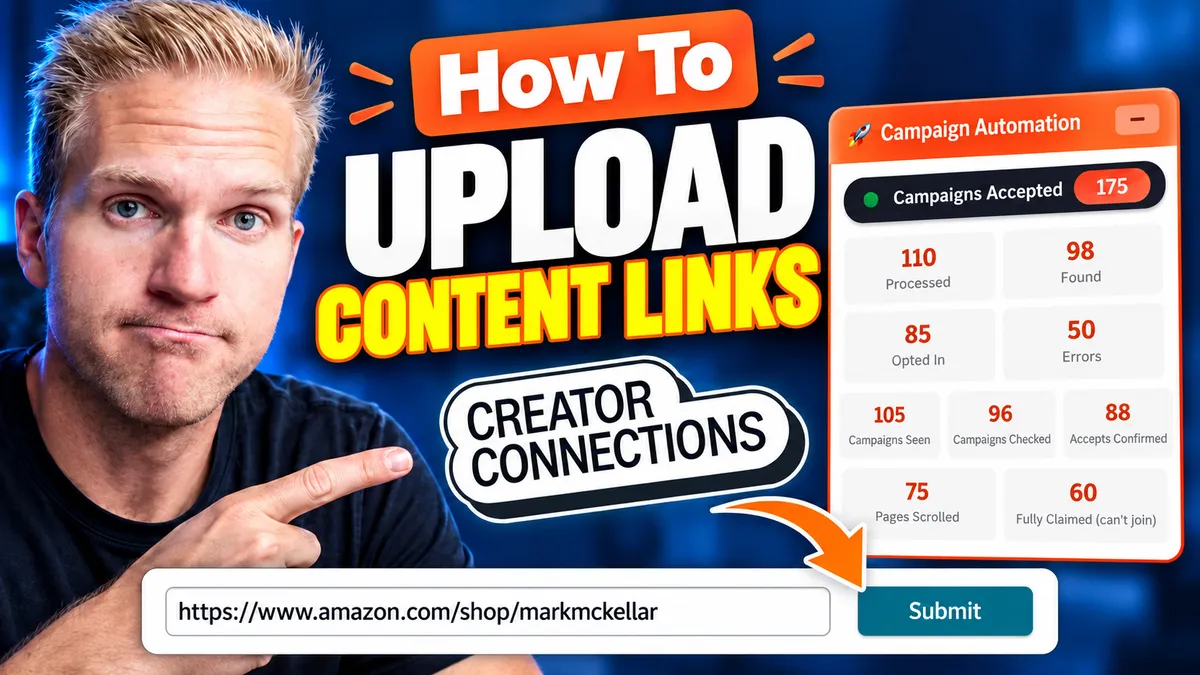
Creator Connections Content Links
Creator Connections Content Links: How to Submit Them (and Why You Might Not Need To)
If you're an Amazon influencer or associate, Creator Connections is the easiest way to 10X your income. Instead of the usual 2-3% commission, campaigns pay 10%, 20%, sometimes more. But there's a catch: you have to opt into each campaign, and a lot of creators think they also have to submit a content link for every single one.
That's a lot of clicking. Done manually, it can eat 10 to 20 hours of your week.
In this post I'll show you how to upload content links on Creator Connections step by step, share the one truth about content links that most influencers miss, and walk you through how I automate the whole process so I can opt into hundreds of campaigns with a couple of clicks.
## The Two Steps to Earning Creator Connections Commissions
To earn those higher commission rates, there are two things that traditionally need to happen:
1. Opt into the campaign a brand has made available.
2. Submit your content link for that specific product.
A quick side note: I've been in the Amazon Influencer program for a few years now, and right now is the highest number of available campaigns I've ever seen. They're at an all-time high, so if there was ever a time to get this dialed in, it's now.
## How to Opt Into a Campaign
Inside Creator Connections, head to New Opportunities. This is where every campaign you're eligible for lives.
Find a product you have content for and click Accept. That's it, you're opted in.
One thing worth knowing: accepting a campaign doesn't commit you to anything. If you accept and never submit content, you won't be penalized. So there's no downside to opting in.
## How to Upload Your Content Link
Once you've accepted a campaign, it moves to your Active tab. Search for the product, open it, and scroll down to the content section.
If you don't see an option to submit content, check the campaign's start date. You can't submit a link until the campaign actually begins.
When the campaign is live:
1. Select your content type (for example, a video from your Amazon influencer storefront).
2. Copy the link to your content.
3. Paste it in and click Submit.
Pretty simple. But here's where it gets interesting.
## The Truth: You May Not Need to Submit Content Links at All
If you're in the Amazon Influencer program and you've already reviewed a product and it's posted on Amazon, you do not need to submit a content link to earn Creator Connections commissions.
Let me say that again, because it changes everything: if the review is already on your storefront, opting into the campaign is enough.
Here's why. When you opt into a campaign, Amazon can already track the product you've reviewed on your storefront and see when customers buy it. Opting in simply makes those sales eligible for the higher campaign commission. The link submission step isn't what makes you eligible.
### So Why Do People Still Submit Links?
It's not a bad thing to do. Submitting links shows brands you want to work with them, and it's especially useful when your content lives somewhere else, like an Instagram or Facebook post. Categorizing where a link comes from lets brands track how effective each post is.
So it's a worthwhile endeavor. But is it absolutely required anymore? Not necessarily.
## How to Automate Creator Connections Opt-Ins
Since opting in is the part that really matters, the biggest time saver is automating it. I use ReviewPro for this, specifically its campaign automation tool. Here's the process:
### Step 1: Extract Your Storefront Videos
Go to your Amazon storefront and click Start Extraction. ReviewPro goes through your storefront and gathers every product review video you've uploaded, essentially putting them all in one bag.
I have about 1,700 videos, so this takes a while. Stay on the page until it finishes. If you run this about once a week, it'll pick up any new videos you've posted since the last run.
### Step 2: Auto Opt Into Campaigns
Next, go to Creator Connections and click the green button. Click the plus button in the top right, then choose Auto Opt-In to Campaigns.
From there, the tool pastes each ASIN and product URL into the search bar, finds matching campaigns, and accepts them for you. You can literally watch it opt in as it runs.
Just don't close the tab or turn off your computer. It keeps going until every eligible campaign is done.
### The Result
Two clicks, and you're opted into every campaign you're eligible for based on the products you've already reviewed. No manual searching, no copying and pasting links, and every one of those products is now earning the higher campaign rate.
## Key Takeaways
- Creator Connections can pay 10-20%+ commission versus the standard 2-3%.
- Accepting a campaign costs you nothing, even if you never submit content.
- If you're in the Influencer program and the product review is already on your storefront, you don't need to submit a content link to earn the commission.
- Submitting links still helps brands track off-Amazon content like Instagram and Facebook posts.
- Automating opt-ins with ReviewPro can save you 10-20 hours a week.
## Start Earning More From the Content You Already Have
You've already done the hard work of reviewing products. Creator Connections lets you earn more from those reviews, and automating your opt-ins means you never leave a campaign on the table.
Want to try it yourself? Grab a 30-day free trial of ReviewPro and follow along. And if you have questions, join my free Skool community where I answer them one-on-one.
Want to see the whole thing in action? Watch the full video above.


